Use US Nintendo eShop Cards on Any Switch Account
Overview
US Nintendo eShop gift cards can only be redeemed on US Nintendo accounts. If you have a non-US Nintendo account, follow these steps to create a US account and redeem your gift card.
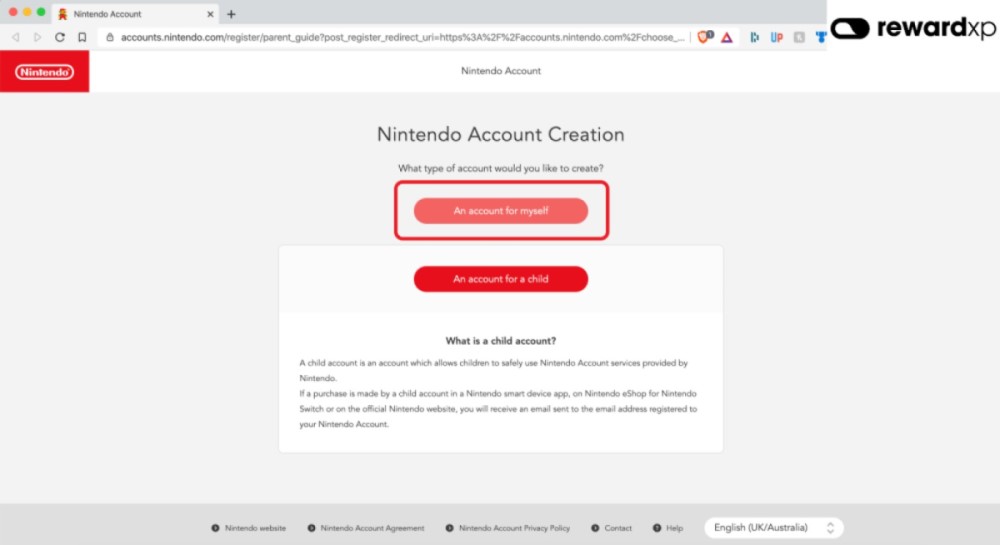
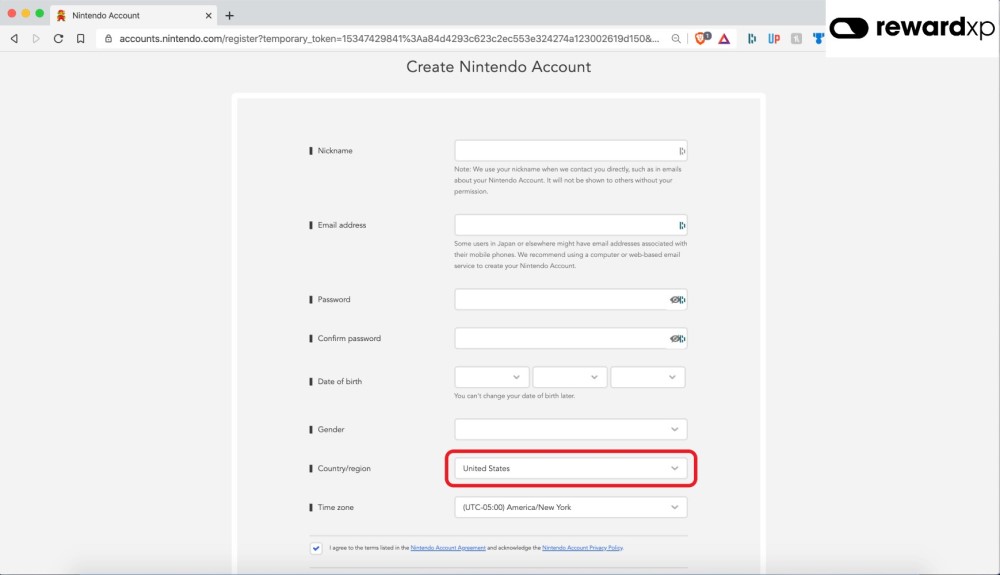
Step 1: Create a New Nintendo Account
Create a new Nintendo account at accounts.nintendo.com and select United States as your region.
Step 2: Create a New User on Your Nintendo Switch
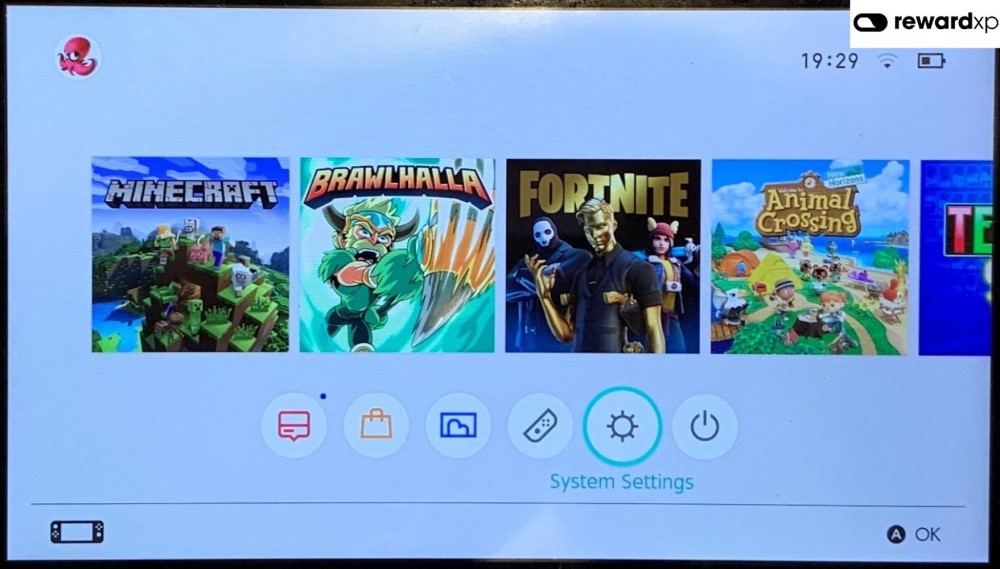
Go to System Settings on your Nintendo Switch.
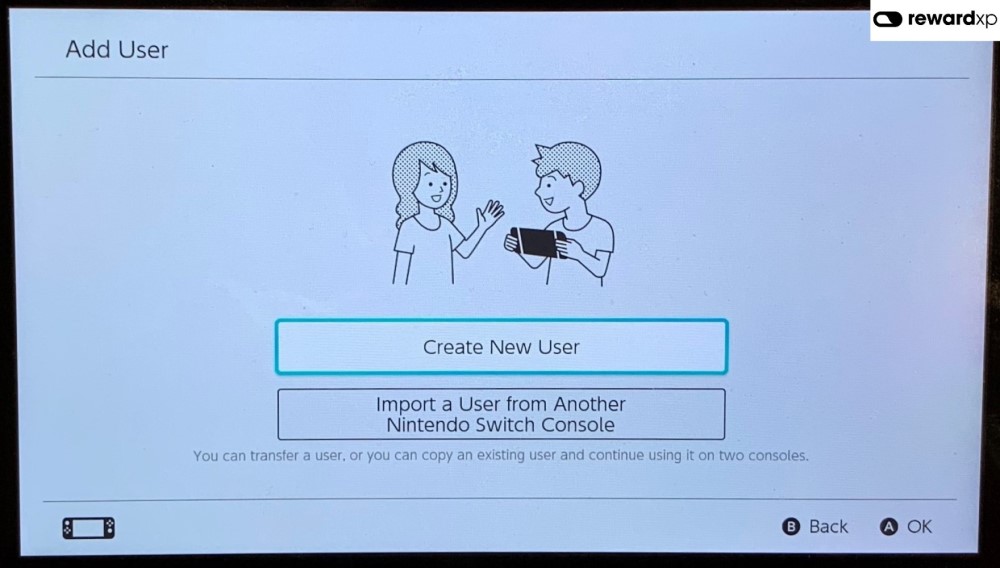
Add a new user to your console.
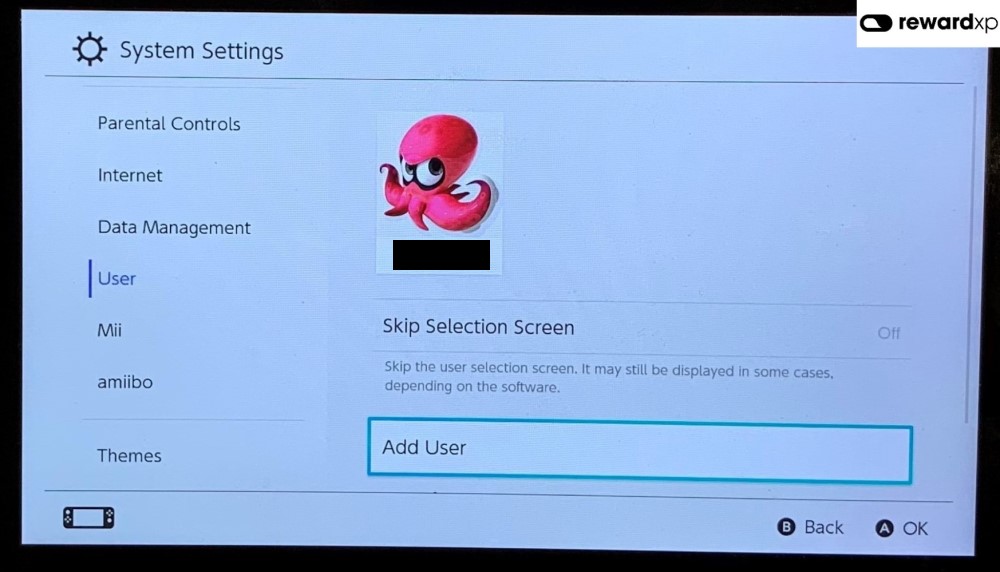
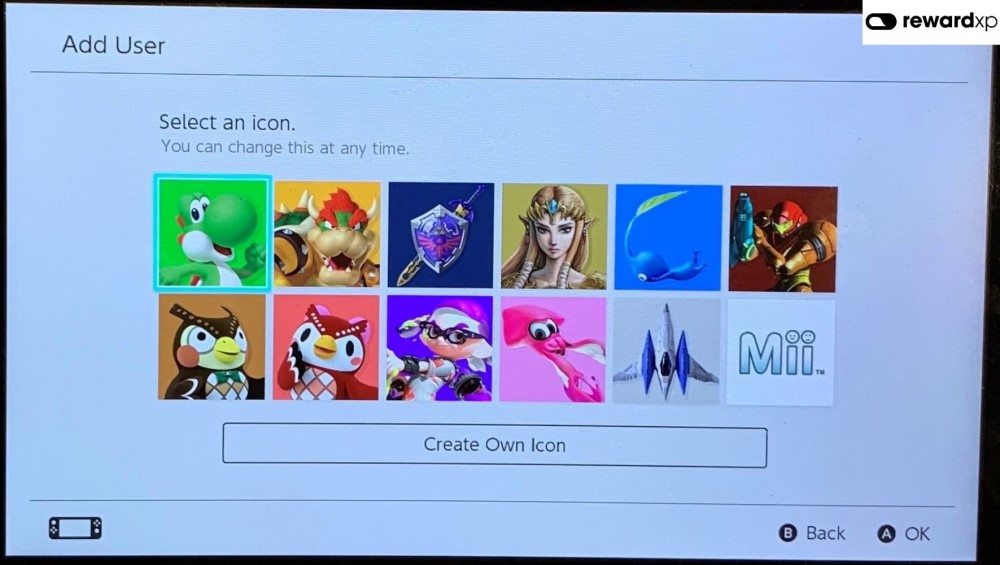
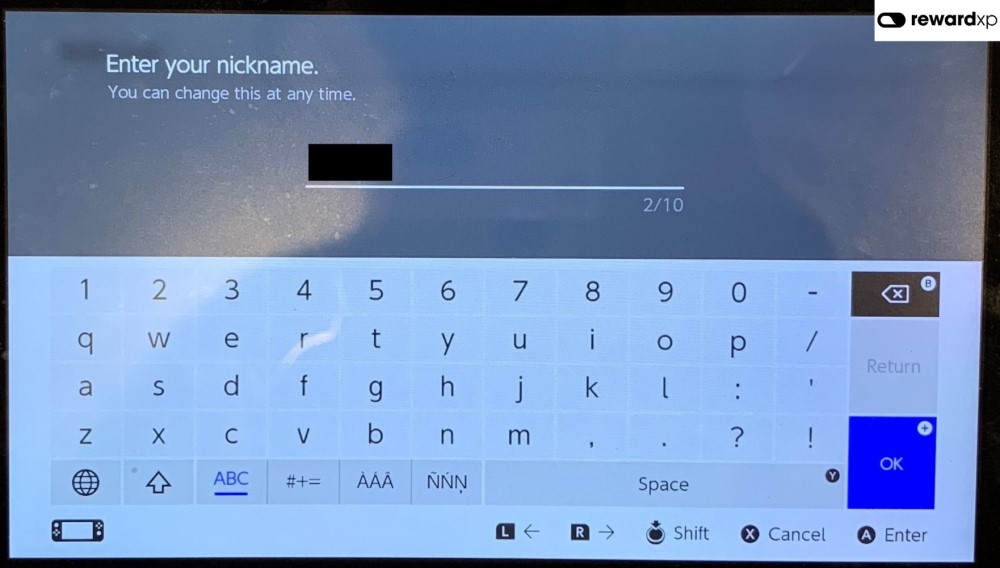
Select an icon and enter a nickname for the new user.
Step 3: Link Your New Nintendo Account
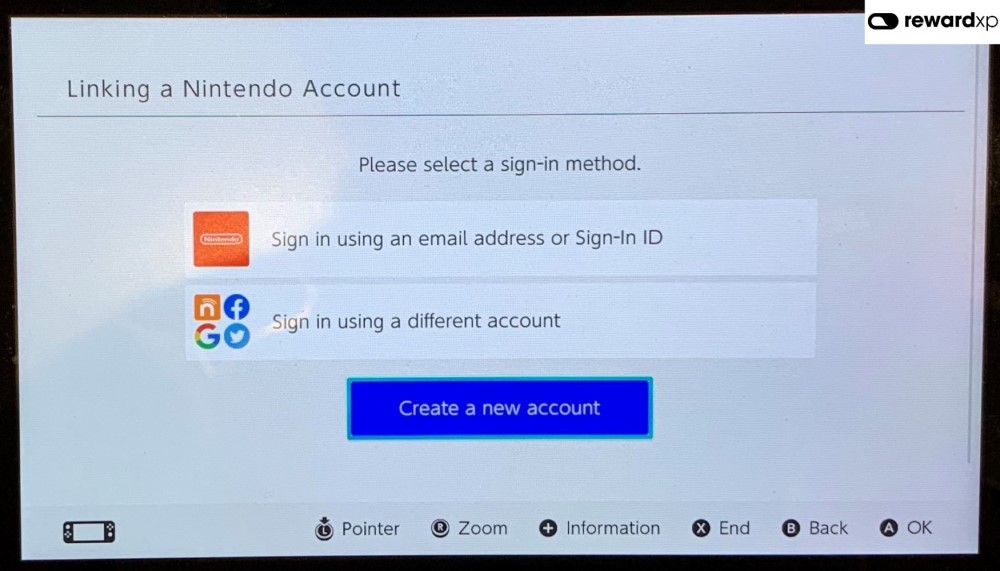
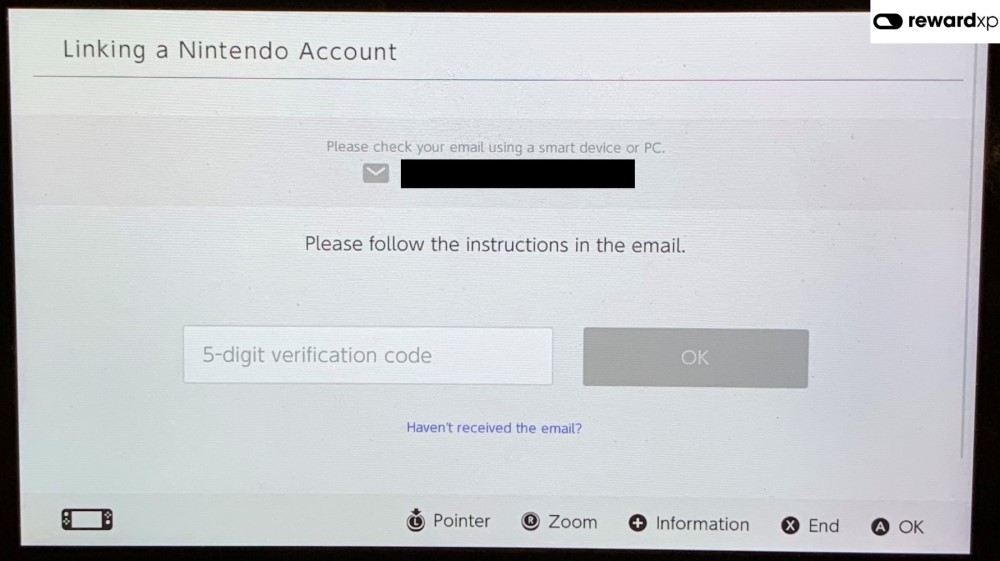
Link your newly created US Nintendo Account to the new user on your Switch.
Step 4: Redeem the eShop Code
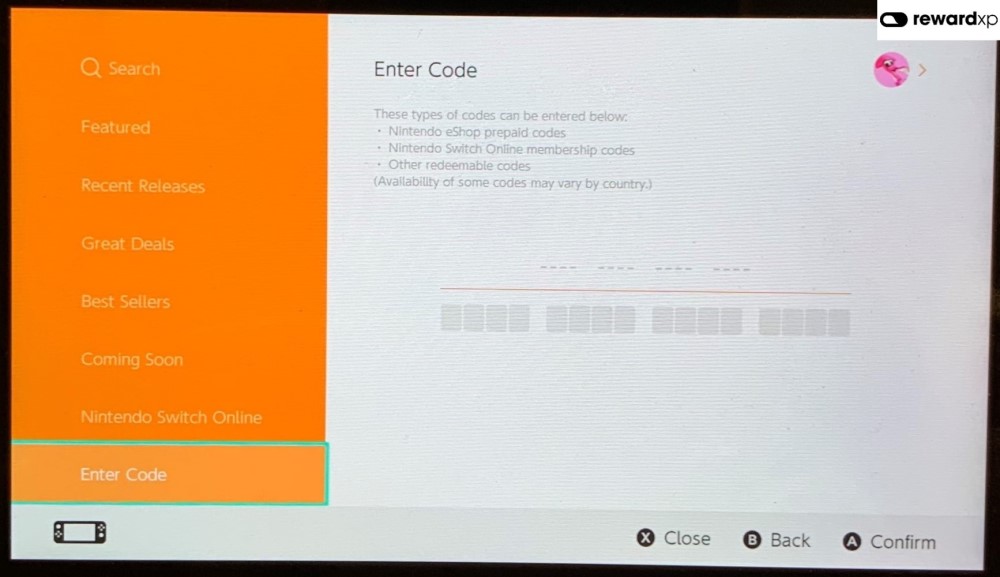
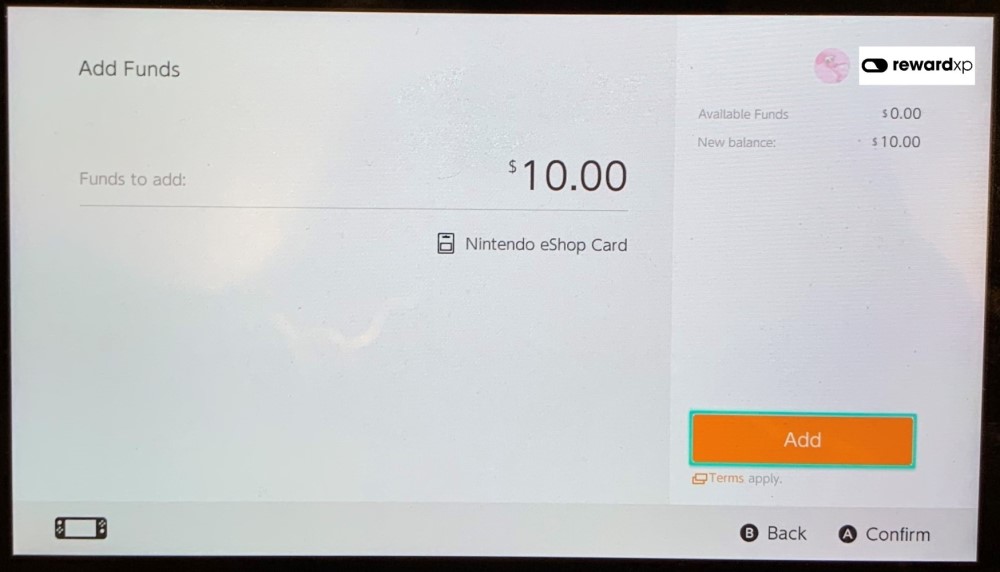
Open the Nintendo eShop with your new US user and redeem your gift card code.
Using Your Funds
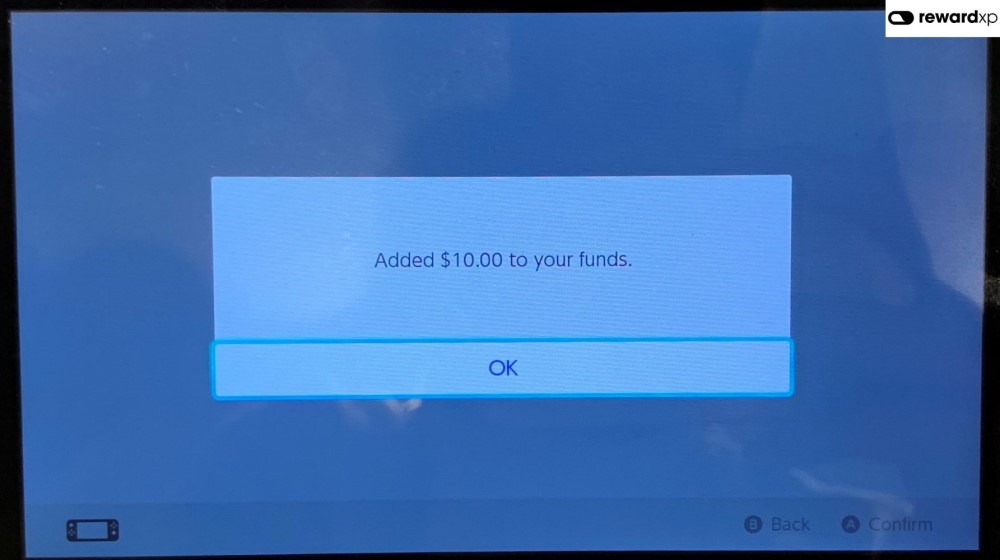
Once the funds are added to your US account, you can purchase games from the US eShop. Downloaded games can be played on any user profile on your Switch.